Your notes, projects and clients, with an AI that asks first.
Orenjus keeps notes, tasks, deals and invoices linked to each other. Plug in your own model with an API key or over MCP, and approve every change it proposes.
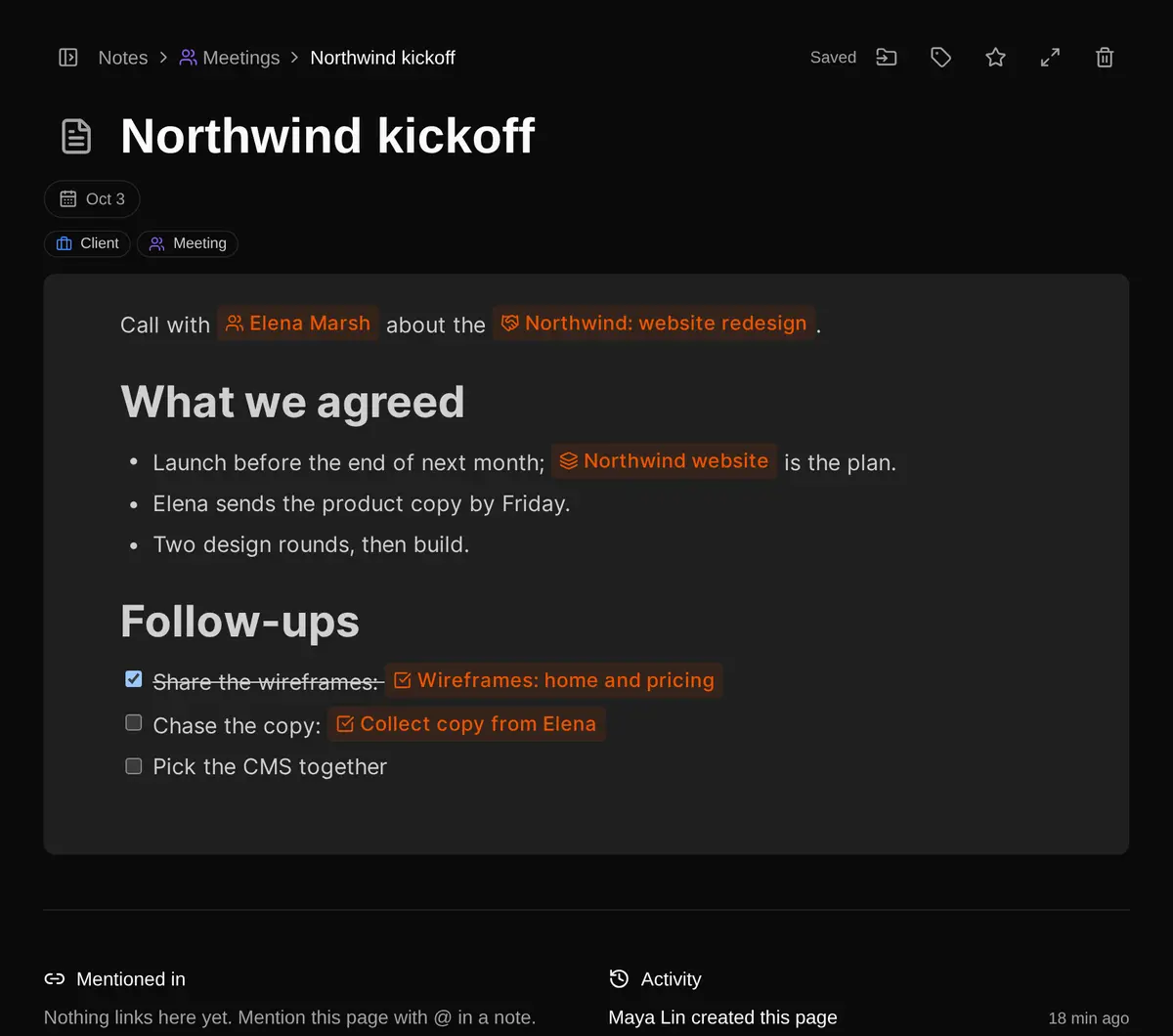
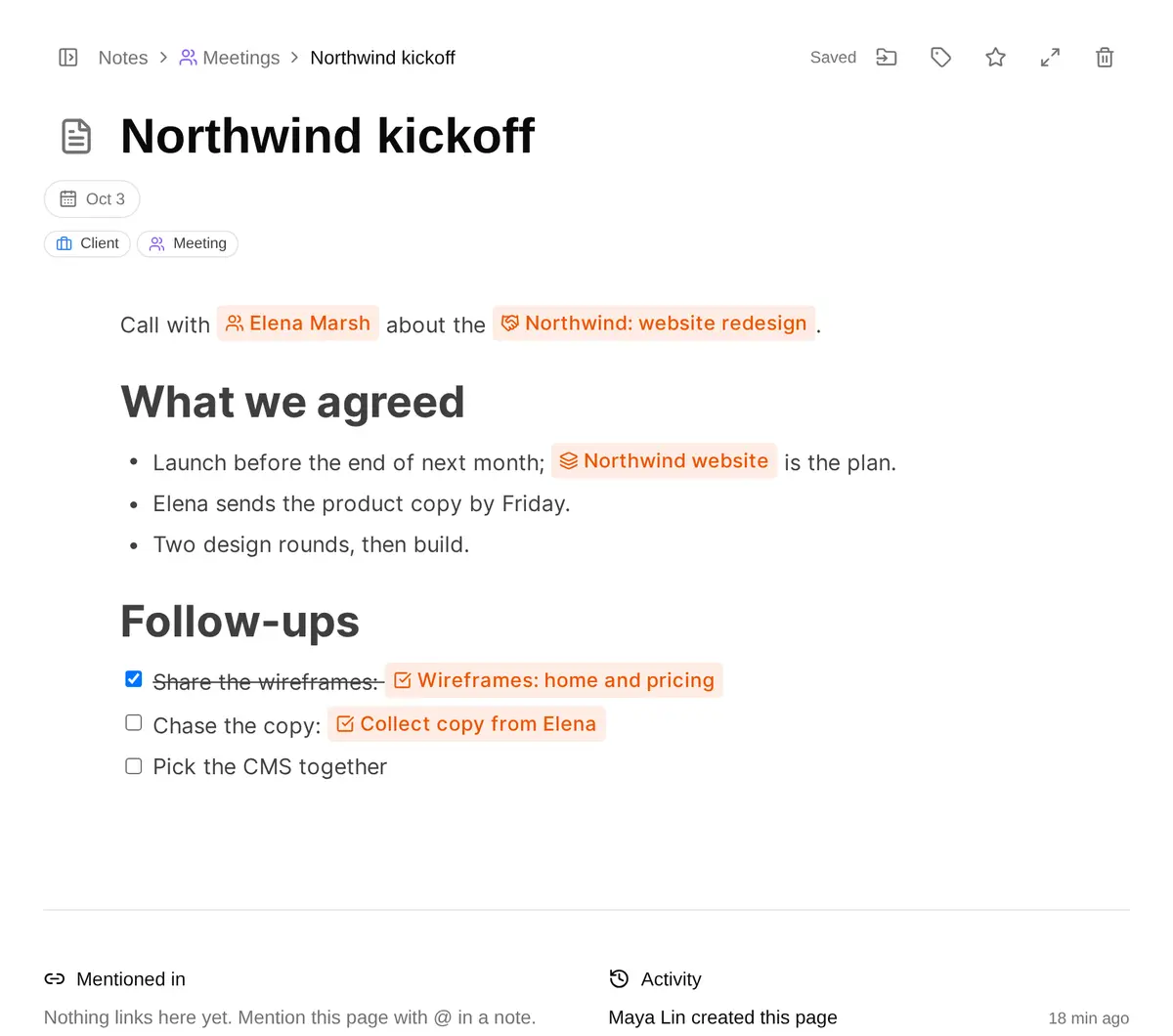
Northwind kickoff
Call with Elena Marsh about Northwind: website redesign. Launch before the end of next month; two design rounds, then build.
Follow-ups
- Agree on the scope
- Send Elena the wireframe link
- Pick the CMS together
Linked
- Northwind: website redesignProposal
Started from this note
Read note “Northwind kickoff”
Read deal “Northwind: website redesign”
Two follow-ups are still open, and the scope is agreed, so the deal can move to Negotiation. I proposed three changes. Nothing changes until you approve.
Create task “Send Elena the wireframe link” in “Northwind website” due 2026-10-08 linked to note “Northwind kickoff”
Waiting for you
Create task “Pick the CMS together with Elena” in “Northwind website” due 2026-10-12 linked to note “Northwind kickoff”
Waiting for you
Update deal “Northwind: website redesign”: stage → Negotiation
Waiting for you
One kickoff note, linked to everything it started.
Type @ in a note to link a person, a deal, a task or another note. The link shows on both sides, so a task knows the note it came from and an invoice knows its deal. Ask the AI about any of them and it reads the links too.
Note
Northwind kickoff
Meetings · Oct 3
Mentions Elena Marsh and the deal
Task
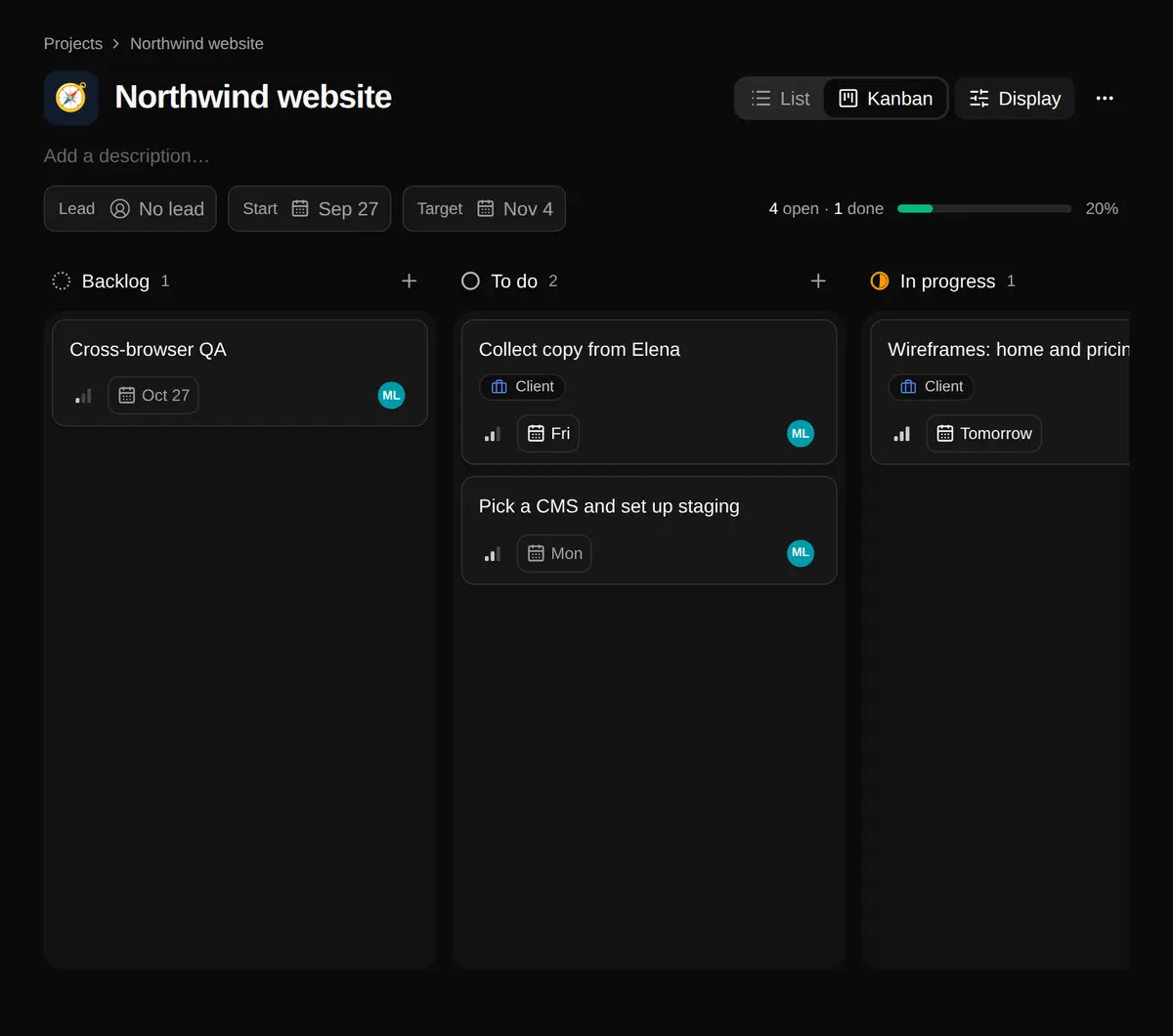
Collect copy from Elena
Northwind website · To do
Due Friday, from the kickoff note
Deal
Northwind: website redesign
Proposal · US$24,000
Northwind Traders · close Oct 19
Invoice
INV/2026/10/0002
Sent · US$9,600
Due Oct 15, linked to the deal
Calendar
October
Oct 15 invoice due
Oct 19 expected close
- Backlinks everywhere. Every item lists what mentions it.
- One activity feed. Who changed what, people and the AI alike.
- Shared labels. The same labels on notes, tasks and contacts.
Four tools that already know about each other.
Notes, projects, clients and a calendar in one workspace, with one search (⌘K) across all of them. It works fine without any AI.
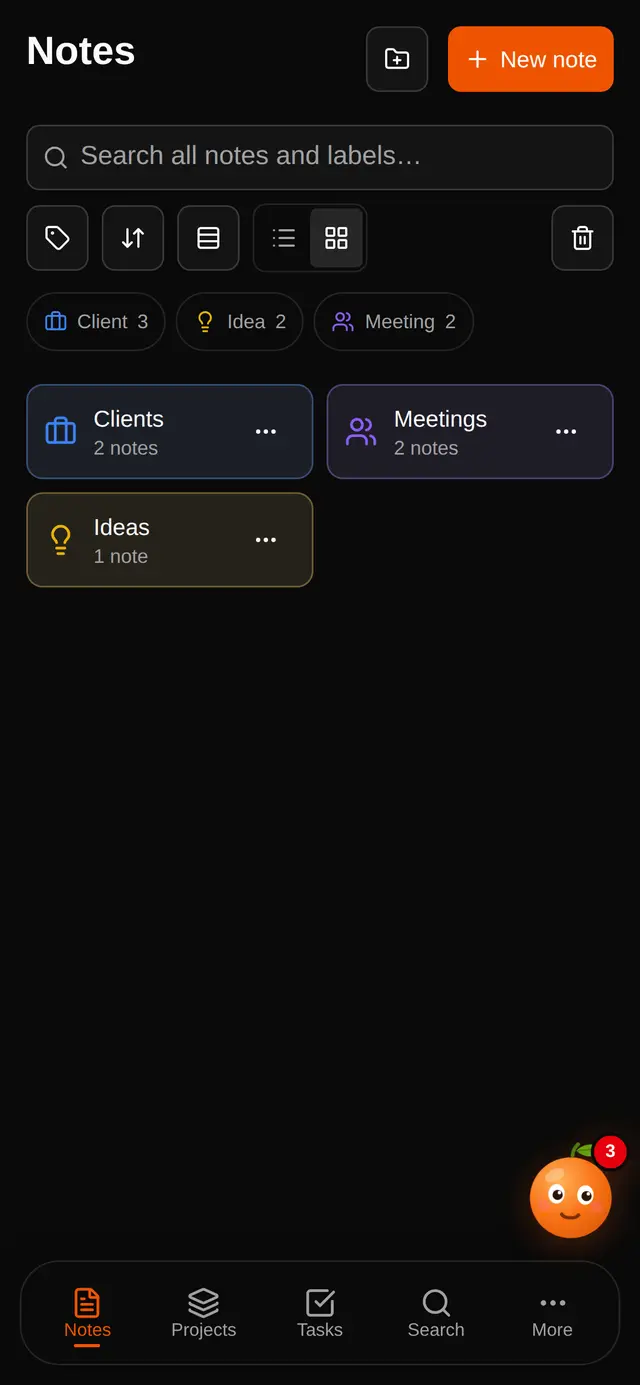
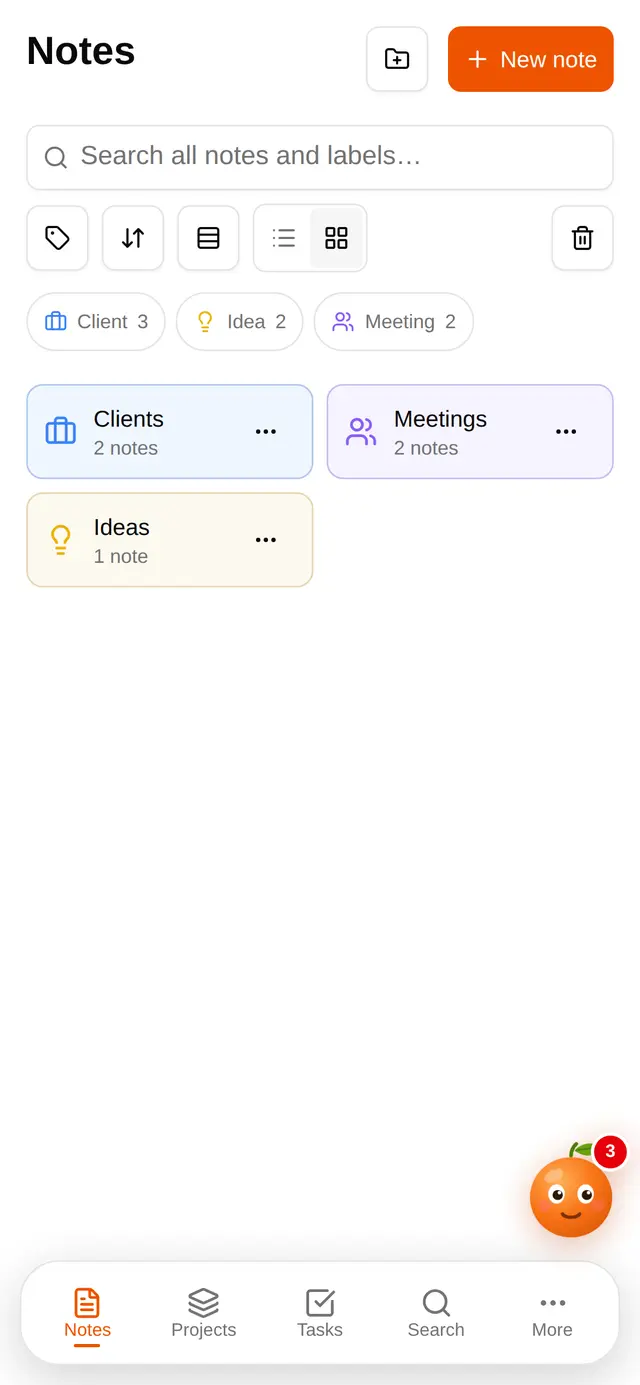
Notes in folders, with labels and dates
A block editor with @ mentions. Folders nest, labels carry your own colour and icon, and a date puts a note on the calendar.
- Folders and subfolders
- Labels with colour and icon
- Favourites and a trash you can restore from
Projects as a list or a board
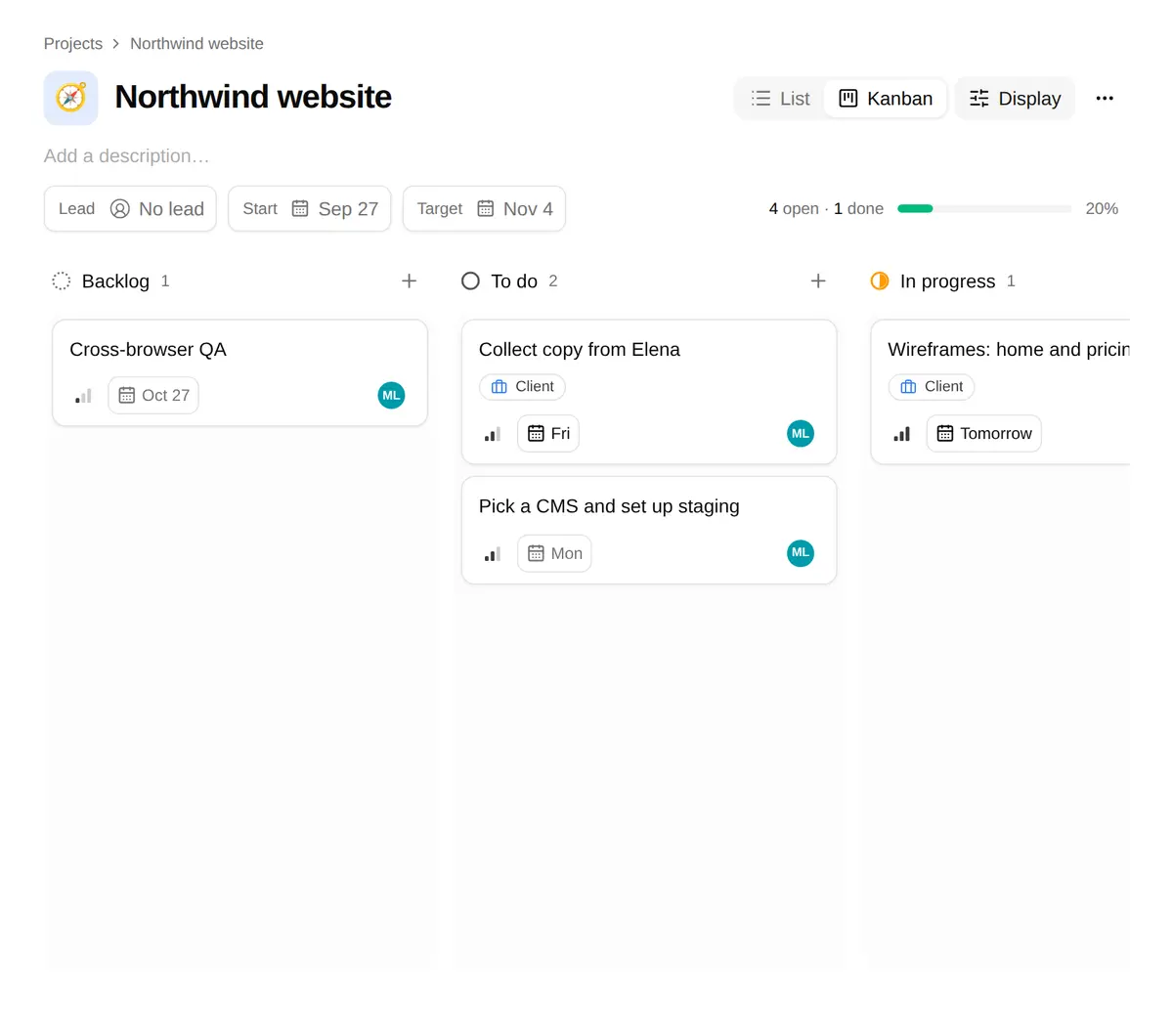
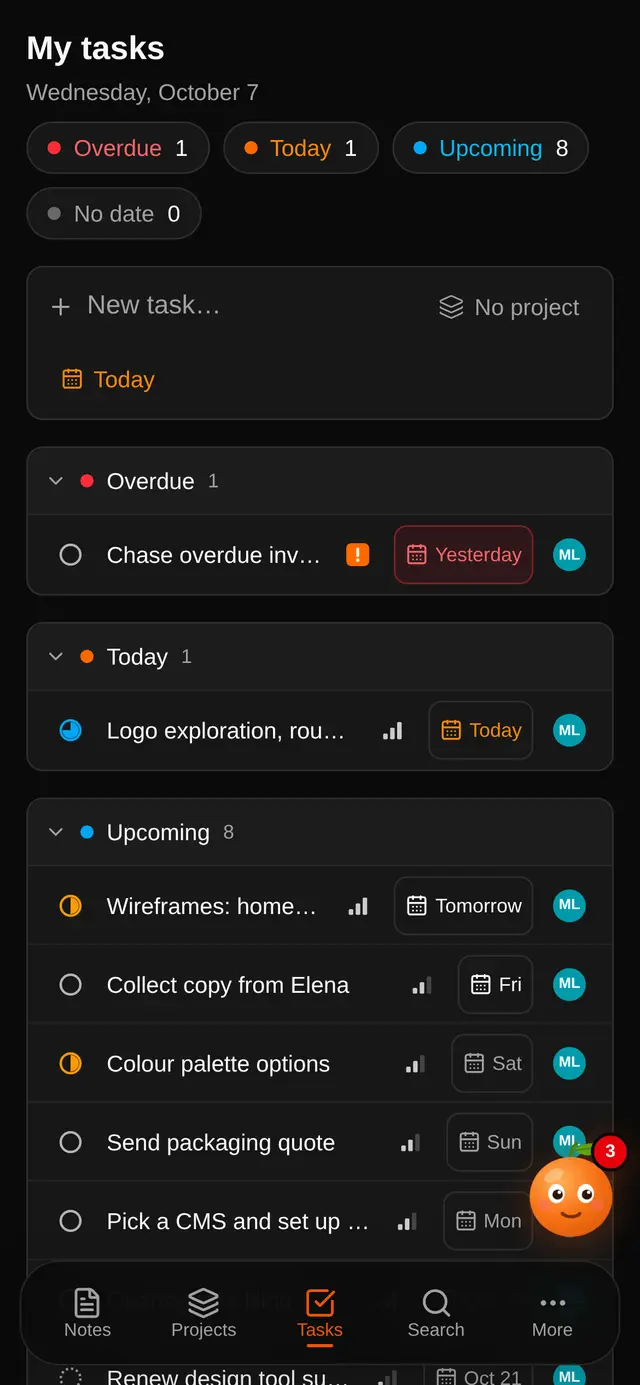
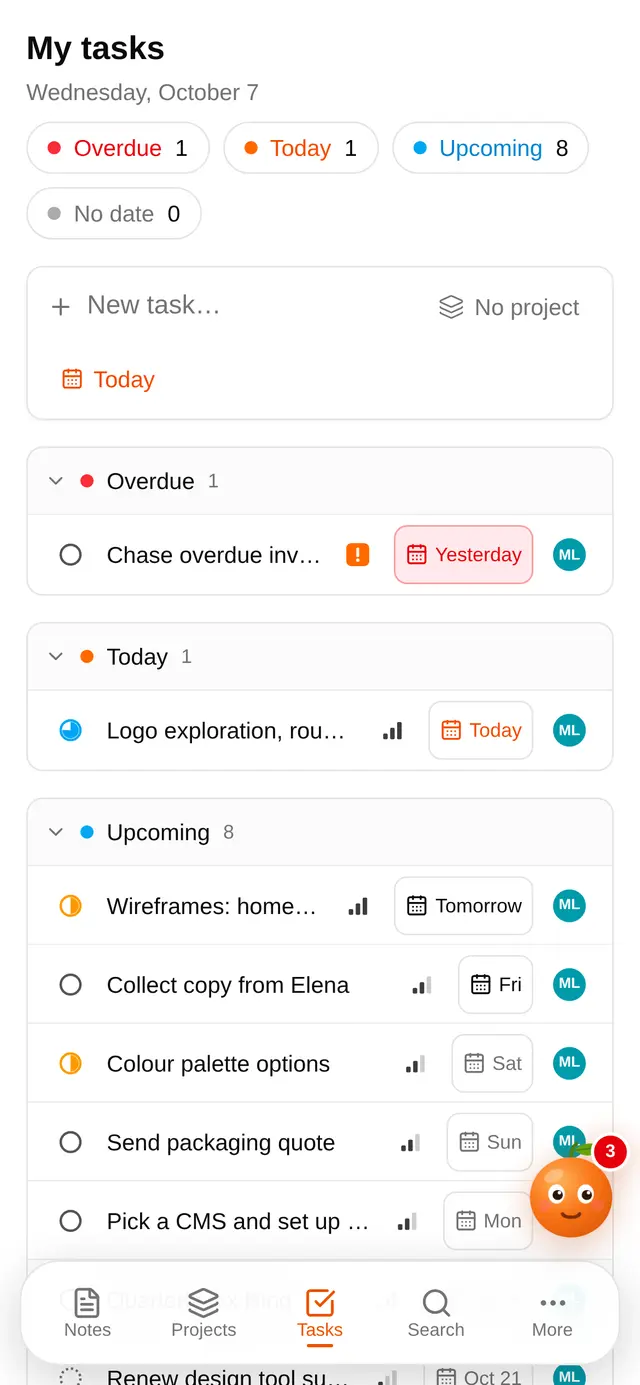
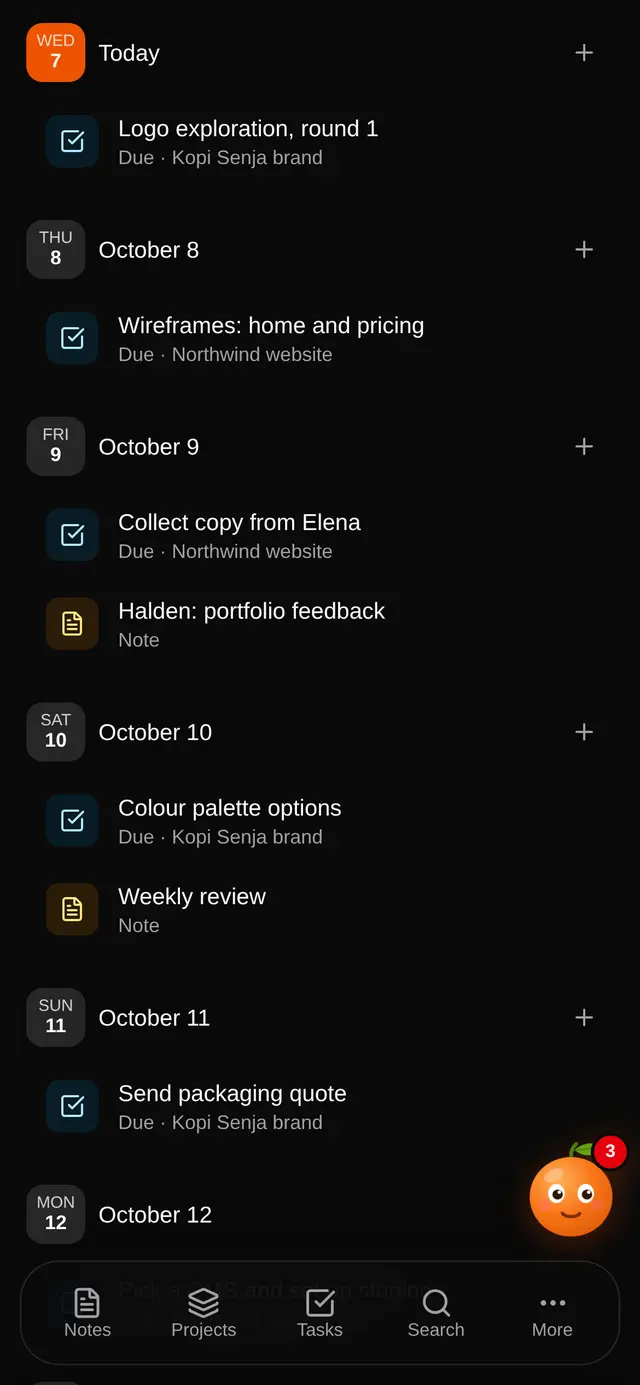
Tasks with status, priority, assignee and due date; start and target dates on the project and a progress bar. My tasks sorts yours into overdue, today and upcoming.
- List and kanban
- Start, target and progress
- My tasks across every project
Contacts, deals and invoices
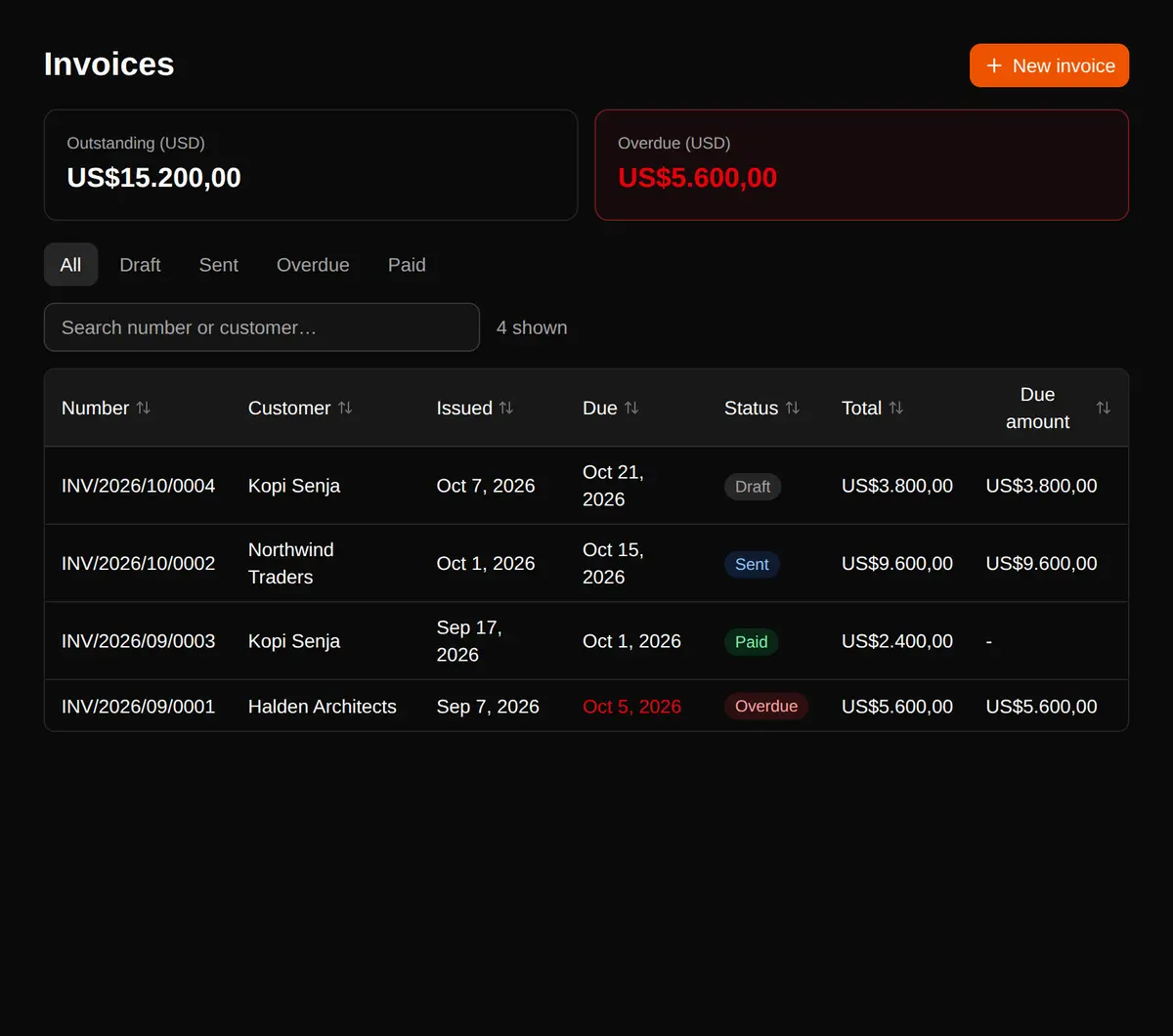
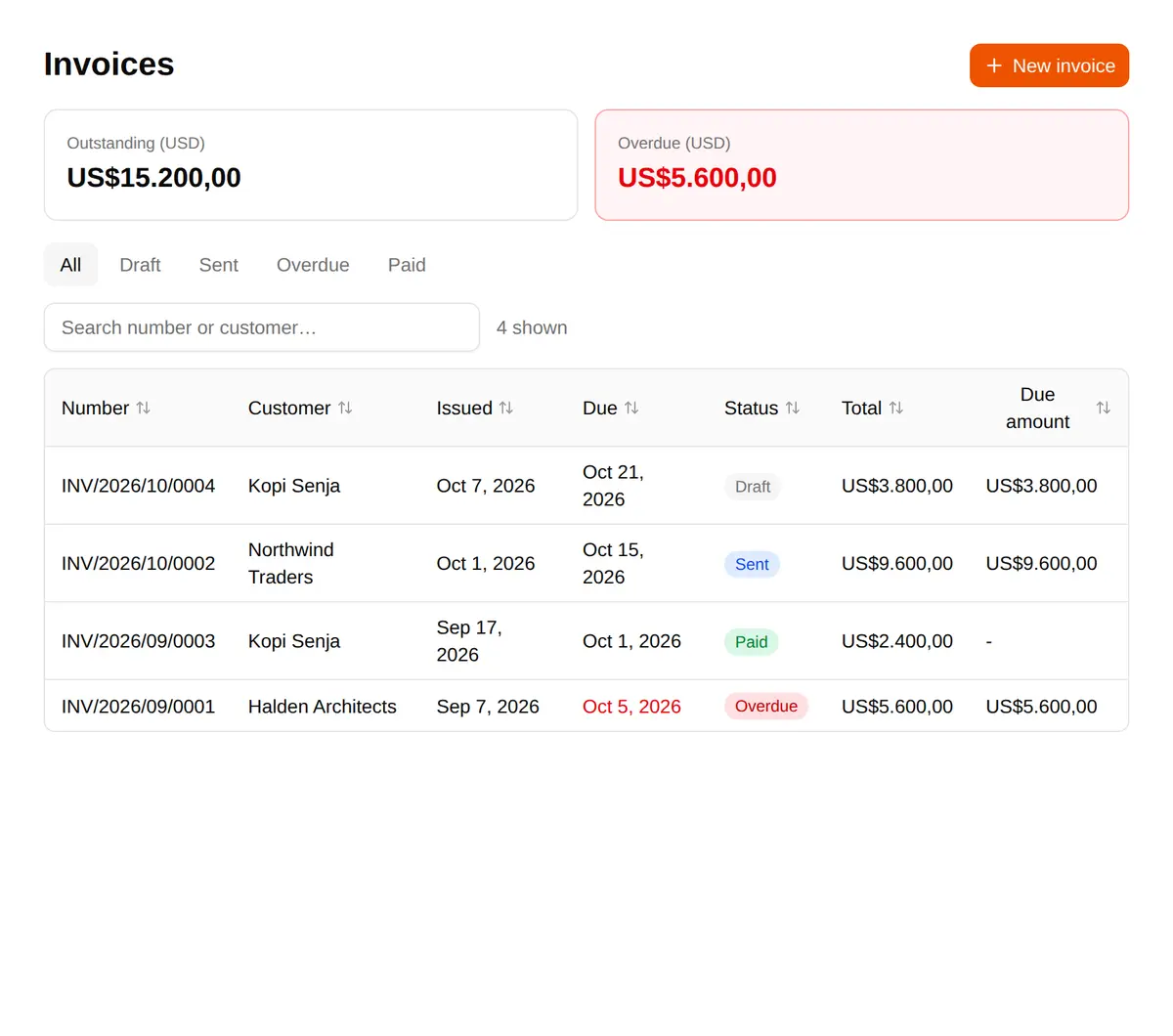
Companies and contacts with a timeline of calls and meetings, a deal pipeline whose stages you set, and invoices with tax, payments, a PDF and a share link.
- Your own pipeline stages
- Invoices linked to a deal and a contact
- Outstanding and overdue at a glance
One calendar for all of it
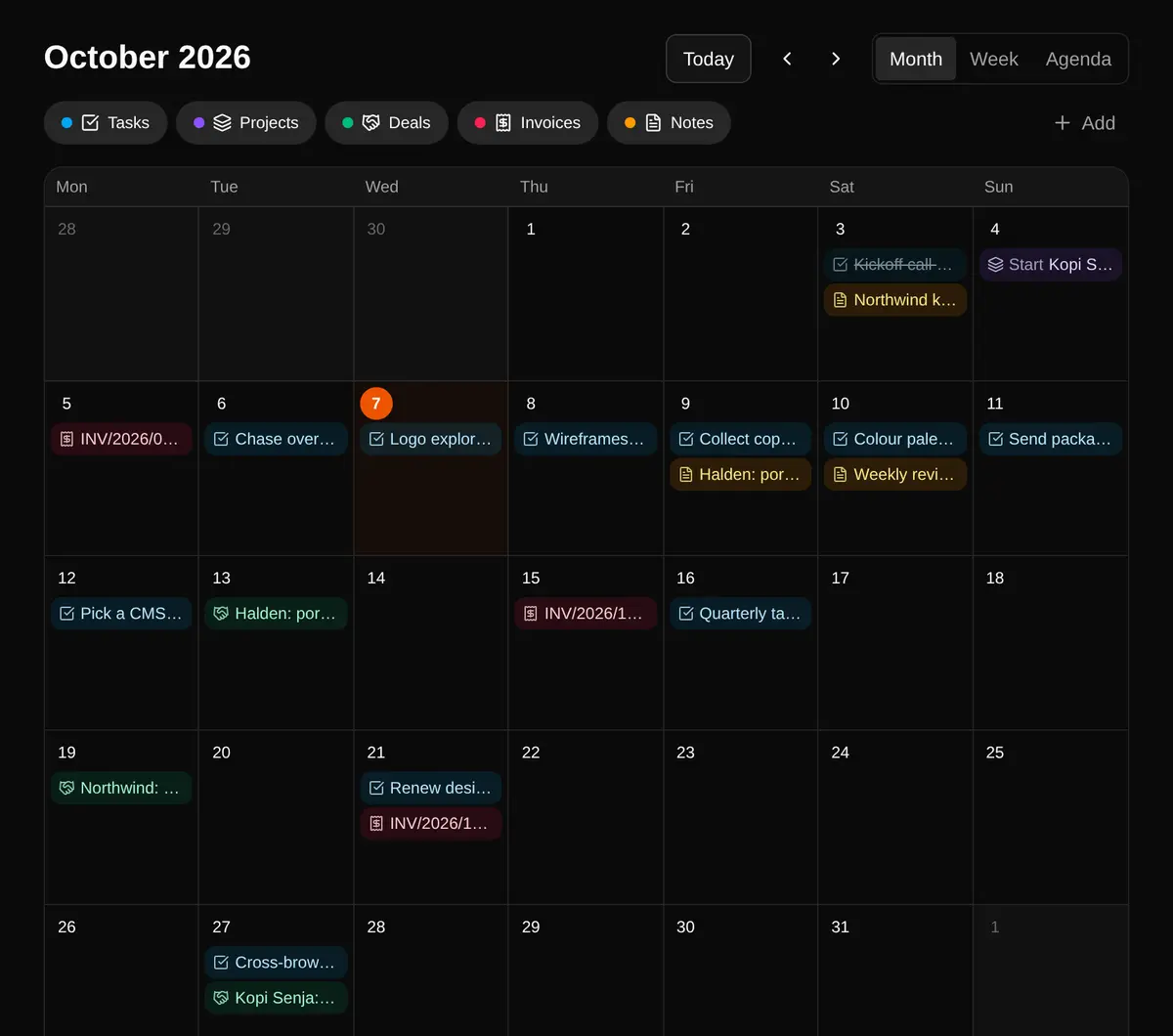
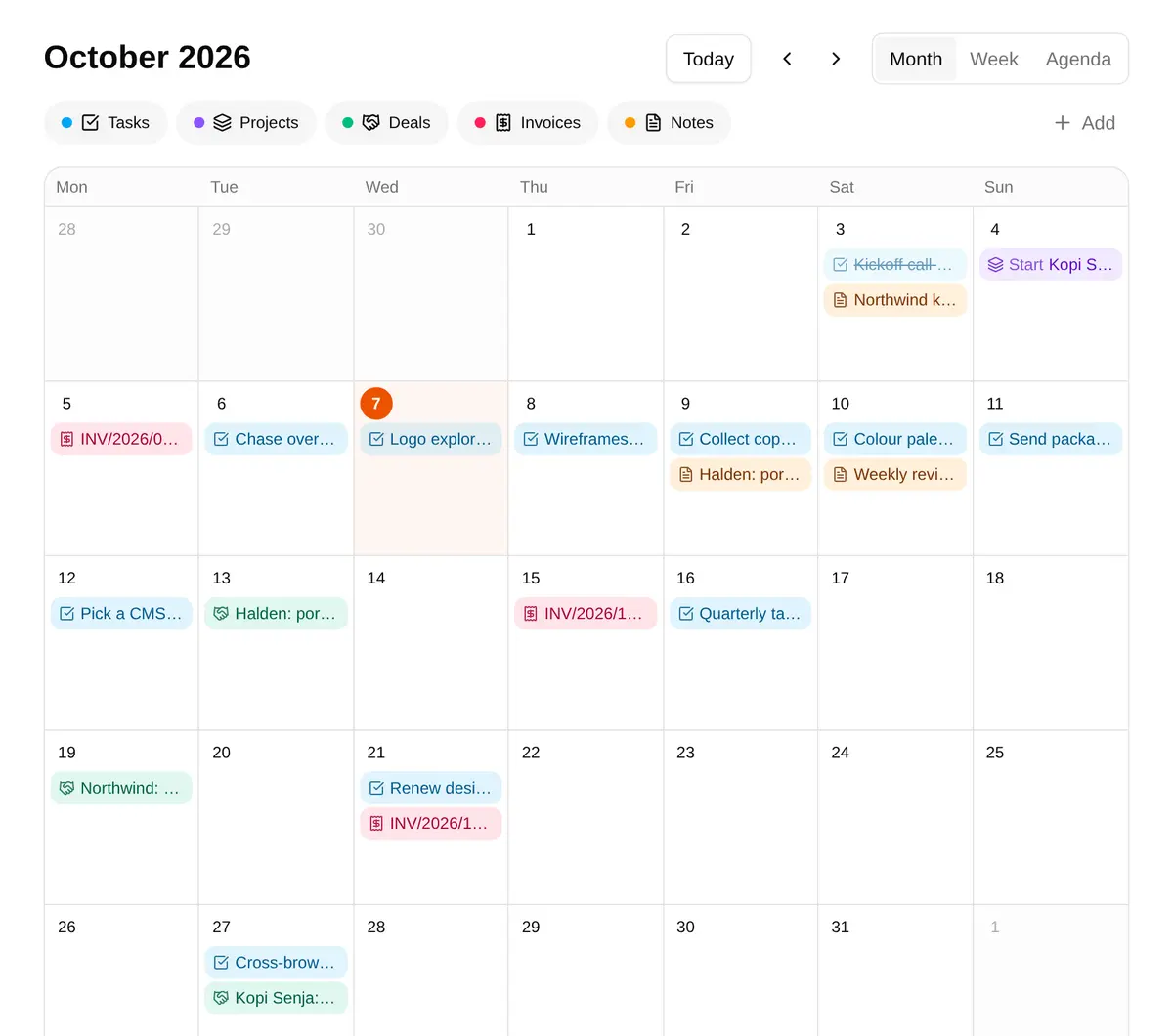
Task due dates, project dates, deals, dated notes and unpaid invoices on one calendar: month, week or agenda, and drag to move. A private link adds it to Google Calendar, read-only.
- Month, week and agenda
- Drag a task to another day
- Subscribe from Google Calendar
Nothing in your workspace changes until you press Approve.
Update deal “Northwind: website redesign”: stage → Negotiation
Waiting for you
Settings · AI changes
It says what it will do.
Each proposal is a card naming the task, the deal or the date. Approve applies that change and nothing else.
It leaves a trail.
Approved changes go into the item’s activity, marked as coming from the AI and stored with the proposal.
Asking first is the default.
Applying changes without asking is a setting that starts off. Proposals from an MCP client always wait.
Bring the model you already use.
Orenjus doesn’t include or resell an AI model. Add an API key for the provider you like, or let the AI app you already use work in Orenjus over MCP. Either way it goes through the same tools and the same approvals.
With an API key
Pick a provider and a model in Settings. The key is encrypted on the server and only ever shown masked.
- OpenRouter
- Anthropic
- OpenAI
- Any OpenAI-compatible API (DeepSeek, a local model)
Over MCP
Make a token in Settings → MCP access, read only or read and propose, and add Orenjus to your MCP client. You can revoke the token at any time.
{
  "mcpServers": {
    "orenjus": {
      "type": "http",
      "url": "https://your-orenjus/api/mcp",
      "headers": {
        "Authorization": "Bearer ornj_mcp_••••"
      }
    }
  }
}
The exact config file differs per client; Settings shows your address and token.
It can read
- Search the workspace
- Read a note, or any item with its links
- List tasks, deals and invoices
It can propose
- Notes and their labels
- Tasks, and changes to them
- Contacts, and deal updates
- Logged calls and meetings
- Links between items
- Invoices
It starts where you are
Open the chat from a note and it starts with that note in view. Attach images, PDFs and text files to a message. ⌘J opens it from anywhere.
Built to be used with one thumb.
A floating dock for the main pages, a swipe from the left edge for everything else, pickers that open as bottom sheets above the keyboard, and the calendar as an agenda of your days.
Questions people ask first.
Do I have to use the AI?
No. Notes, projects, the CRM and the calendar work without it. The AI is there once you add a provider in Settings or connect an MCP client.
Can the AI change my data on its own?
Not unless you turn that on. Every change is a proposal you approve or reject. Settings has an option to apply changes without asking; it is off by default, and proposals from an MCP client always wait for you.
Which AI can I use?
Your own API key for OpenRouter, Anthropic, OpenAI, Google or any OpenAI-compatible endpoint. Or an MCP client of your choice, with a token you make in Settings → MCP access.
Can I see my Orenjus calendar in Google Calendar?
Yes. Make a private link in Settings and add it in Google Calendar under “Other calendars → From URL”. It is read-only, and Google refreshes calendars added from a link every few hours.
Where does it run?
On a server: a Node API with Postgres and Redis, started with Docker. Provider keys are encrypted at rest and only shown masked.
Start with one note and see what it links to.
Notes and projects work from the first minute. Add the AI when you want it, with your own key or over MCP.